🖼 Picture Frame Ratio Calculator
Scale artwork to fit a frame, find the right frame size, or convert aspect ratios — with standard size lookup and mat border guide
Units & Mode
Quick Presets
Scale Image to Frame
Enter your image dimensions and the target frame size. The calculator will find how large the image prints within that frame while preserving its aspect ratio, plus the required mat border.
Find Frame for Image
Enter your image dimensions and desired mat border width. The calculator will recommend the total frame size needed and find the closest standard frame.
Aspect Ratio Converter
Enter one dimension and choose your desired aspect ratio. The calculator will find the other dimension for you.
✓ Results
Common Aspect Ratio Reference
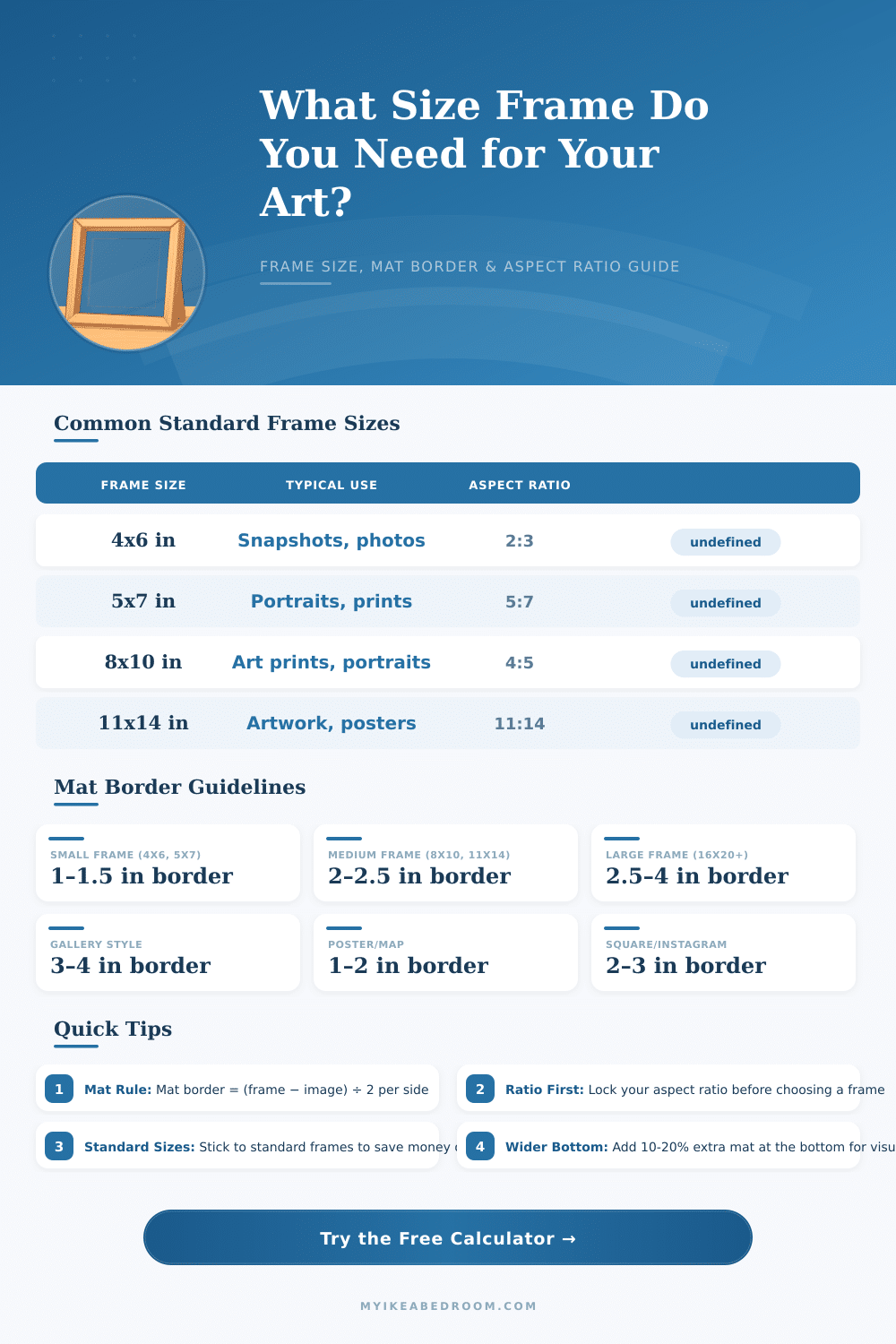
Standard Frame Size Reference
| Frame Size | Aspect Ratio | Common Image Size | Suggested Mat Border | Typical Use |
|---|
Scale Factor Table
| Original Size | Target Frame | Scale Factor | Scaled Image | Mat Border |
|---|
Aspect Ratio Conversion Guide
| Ratio | Width | Height | Portrait Version | Example Frames |
|---|
The aspect ratio of a photograph is the relation between the two sides of a rectangle. You count it as the width divided by the height and then express it as a fraction. Usually you show it by two numbers separated by a colon, not by a slash.
So ratio looks like 16:9 while pixels show the size, for instance 1920×1080 The ratio stays same if the image is tiny, as 320×180, or very big, as 3840×2160. It is 16:9 either way.
Photo Aspect Ratios and Print Sizes
Most photographs are done with aspect ratio 2:3. The ratio 3:2 became popular because of 35mm film and stays in modern digital sensors. APS-C, the bigger full frame sensor, and 35mm film all have 3:2 aspect ratio, which gives sizes as 4×6, 6×9 and 8×12. The long side is 1.5 times longer than the short side.
Camera can shoot in 4:3 or 3:2, so keeping it in that ratio for any size to get the maximum pixels is a gud approach.
For sizes as 8×10 and 11×14, you will have to cut the image on the long edge so that it fits in the frame, which means that part of the photograph will be missing. That relates to the aspect ratios and to the history of photography. Basically, the most usual photo proportions are legacies from the film days.
A negative 8×10 would give a photo 8×10 by a contact print. The format 11×14 likely came from large format cameras and film of 11×14.
Frames usually come in some fixed sizes, and the ratio 4:3 is not common. More common is ratio 4:5. Most frames are 2:3, 4:5 or square.
Bigger frames return to 2:3, as 20×30 and 24×36. If you add mats, everything becomes even more complex.
The aspect ratio 16:9 is standard for wide screens, while 4:3 is better for older televisions. Panoramic photographs usually have ratio 2:1 or bigger, so the width is at least double the height. For web use, 3:2 with a broad margin of space around fits most ratios nicely.
The crop does not serve only the photograph. It must also fit the surroundings where the image will be used. Instagram works well with 8×10 or square format.
For prints hanging on a wall, the frame matters. If you choose landscape or portrait orientation, and there are many vertical lines, portrait works better. A slider can change the size of the frame and the image, but image resolution and DPI matter.
The higher the DPI value, the more clearly the details showup.