Motion Sensor Coverage Calculator
Estimate room or patio motion sensor count using detection radius, detection angle, sector area, mounting height, obstruction factor, overlap, and ft/m2 unit planning.
🏠Room and Patio Presets
Pick a starting layout, then adjust radius, angle, mounting height, obstruction, overlap, and the number of sensors you plan to install.
📏Coverage Inputs
Motion Sensor Coverage Estimate
Calculation Breakdown
📊Coverage Factors
📘Reference Tables
| Detection angle | Coverage shape | Sector formula | Typical placement |
|---|---|---|---|
| 60° | Narrow wedge | 3.14 x r x r x 60 / 360 | Focused doorway or short hall |
| 90° | Quarter circle | 3.14 x r x r x 90 / 360 | Room corner or patio corner |
| 120° | Wide wedge | 3.14 x r x r x 120 / 360 | Bedroom, office, living room |
| 180° | Half circle | 3.14 x r x r x 180 / 360 | Wall mount over a broad room |
| 360° | Full circle | 3.14 x r x r | Ceiling mount or central zone |
| Obstruction profile | Factor | Coverage effect | Use when |
|---|---|---|---|
| Open view | 0.95x | Small reduction | Clear floor plan with few tall objects |
| Light furniture | 0.85x | Moderate reserve | Bedroom, office, or tidy living area |
| Normal room | 0.75x | Strong reserve | Mixed furniture and several sight breaks |
| Dense furniture | 0.65x | Large reduction | Wardrobes, shelves, storage, or partitions |
| Outdoor patio | 0.58x | Weather reserve | Covered exterior spaces and uneven approach paths |
| Radius | 90° sector | 120° sector | 180° sector |
|---|---|---|---|
| 10 ft / 3.0 m | 79 sq ft / 7.3 sq m | 105 sq ft / 9.7 sq m | 157 sq ft / 14.6 sq m |
| 15 ft / 4.6 m | 177 sq ft / 16.4 sq m | 236 sq ft / 21.9 sq m | 353 sq ft / 32.8 sq m |
| 20 ft / 6.1 m | 314 sq ft / 29.2 sq m | 419 sq ft / 38.9 sq m | 628 sq ft / 58.4 sq m |
| 30 ft / 9.1 m | 707 sq ft / 65.7 sq m | 942 sq ft / 87.5 sq m | 1414 sq ft / 131.3 sq m |
| Preset space | Area | Suggested angle | Planning note |
|---|---|---|---|
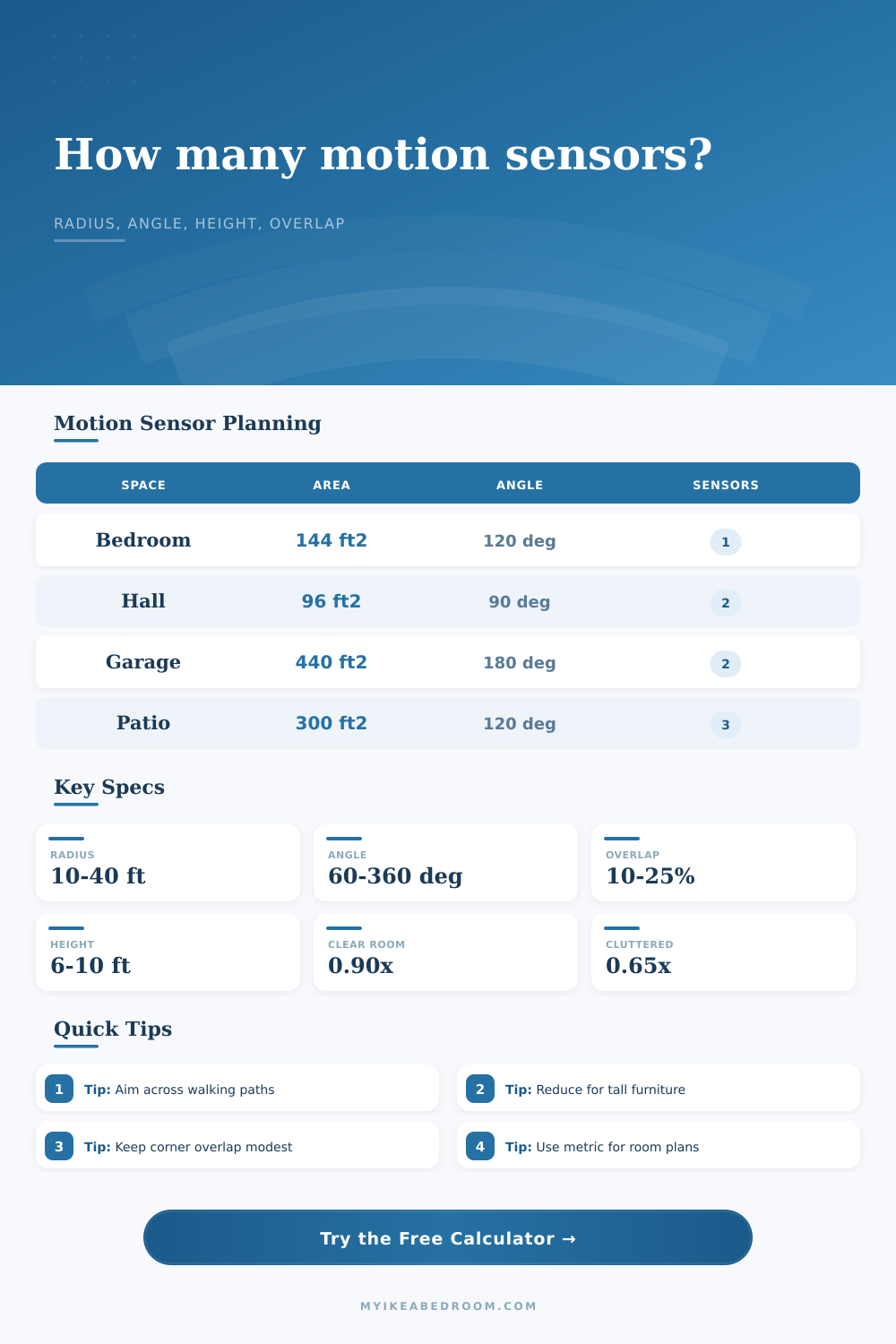
| Bedroom | 144 sq ft / 13.4 sq m | 120° | One corner sensor usually covers the walking path |
| Hallway | 96 sq ft / 8.9 sq m | 90° | Two smaller fields can cover each end cleanly |
| Garage | 440 sq ft / 40.9 sq m | 180° | Parked vehicles reduce usable coverage |
| Covered patio | 300 sq ft / 27.9 sq m | 120° | Outdoor obstructions and approach angle matter |
💡Placement Tips
When you go shopping for a motion sensor, you’re hoping that it will turn on the lights whenever you enter a room. So, you plug it in, and then one day you walk in, but nothing happens. Or maybe it turns on briefly, then off again, then back on… Sometimes it doesn’t notice you at all if you have laundry in your hands.
This is not usualy a fault of the sensor. No, it’s a question of geometry. We treat motion sensors like light bulbs, assuming they radiate coverage in every direction equally. But they don’t. Rather, they emit shaped cones of coverage which can be blocked by walls, furniture, and even your own walk. Knowing about those shapes is key to a dependable system, or constant frustration.
Why Motion Sensors Fail and How to Fix Them
First, everyone turns to the number printed on the packaging: the maximum range. Twenty feet! Sounds like plenty! If you’re living in an empty warehouse, sure, it’ll cover a lot of ground. In reality, however, that same 20-foot circle has been cut almost exactly in half. Why? Because solid pieces of wood (like the ones making up your bedroom furnitures) act as obstructions to infrared signal.
That’s where calculator comes in; it runs all those numbers for you and adjusts that estimated radius based off amount of stuff in your actual room. Other guides miss this important step. Yes, they say “measure out the length and width of your room,” but no, they don’t say “measure out the amount of stuff blocking your view.” A sectional sofa is not an open field. It’s a maze of blind spots.
That’s also key to how tool calculates the sector area using your detection angle. If you put that same sensor in a corner with a ninety-degree detector, it covers only a quarter circle, while one on wall with a hundred-and-eighty-degree detector covers a half circle. You can overlap as many sensors as you like, but they won’t solve the gap created by selecting an incorrect angle for the space.
That means that how you mount a sensor affects its coverage cone. Mounting a sensor too high up makes the cone spread out and thin. This makes it less sensitive on ground, exactly where people would be walking. Mounting one too low makes field of view too narrow and unable to cover a broad hallway. So there’s a sweet spot of mounting height, which is subtle yet important for making it accurate.
Then you have to consider overlapping fields. No two sensors should hit each other with a hard line. You want some sort of buffer zone where they’re both sensing so you don’t lose any movement during their hand off. A fifteen percent overlap is good baseline. That gives you a little redundancy without wasting battery life or causing double triggers.
That all gets explained in the reference table on the page, which spells it out for typical rooms. Bedroom? No, sorry, try again. Garage is not a bedroom. Garages tend to have high ceilings, which mess with the signal. There is also a big object called a car sitting right in the middle of the floorplan. The tool suggest using a wider angle and takes into account the car that’s taking up half the floor plan.
The hallway is long and skinny, meaning you need to place several sensors carefully. Each one should overlap at least slightly the next.
These devices use passive infrared sensors to pick up on movement of heat through their field of vision. You’re most easily detected by these when moving at right angles to them (ie: when you’re walking across their field of view instead of directly towards or away). That’s why they tend to be more successful if placed in a corner as opposed to along a wall. Corner: you walk past and get caught there. Wall: you walk up to it and all it sees is you approaching it.
That physical reality means how you design your space will determine what hardware works for you, not vice versa. Example: A huge studio apartment might only require one ceiling mounted three-hundred-sixty-degree sensor. In a really small kitchen, a peninsula island might cut off the traffic flow. Several wall mounted units facing each other across the primary pathway.
Forget all about square footage. Instead think about sight lines. Imagine yourself walking through the room. Clear away any obstacles from the walkway. Position the sensor so that it can see the whole walkway clearly. Do the math to confirm it covers more than just the square footage of floor you want to protect. Leave some extra wiggle room for good measure. You’re not trying to blanket the whole ceiling, you’re trying to catch the person who is walking across the room.