Labor Hours Estimate Calculator
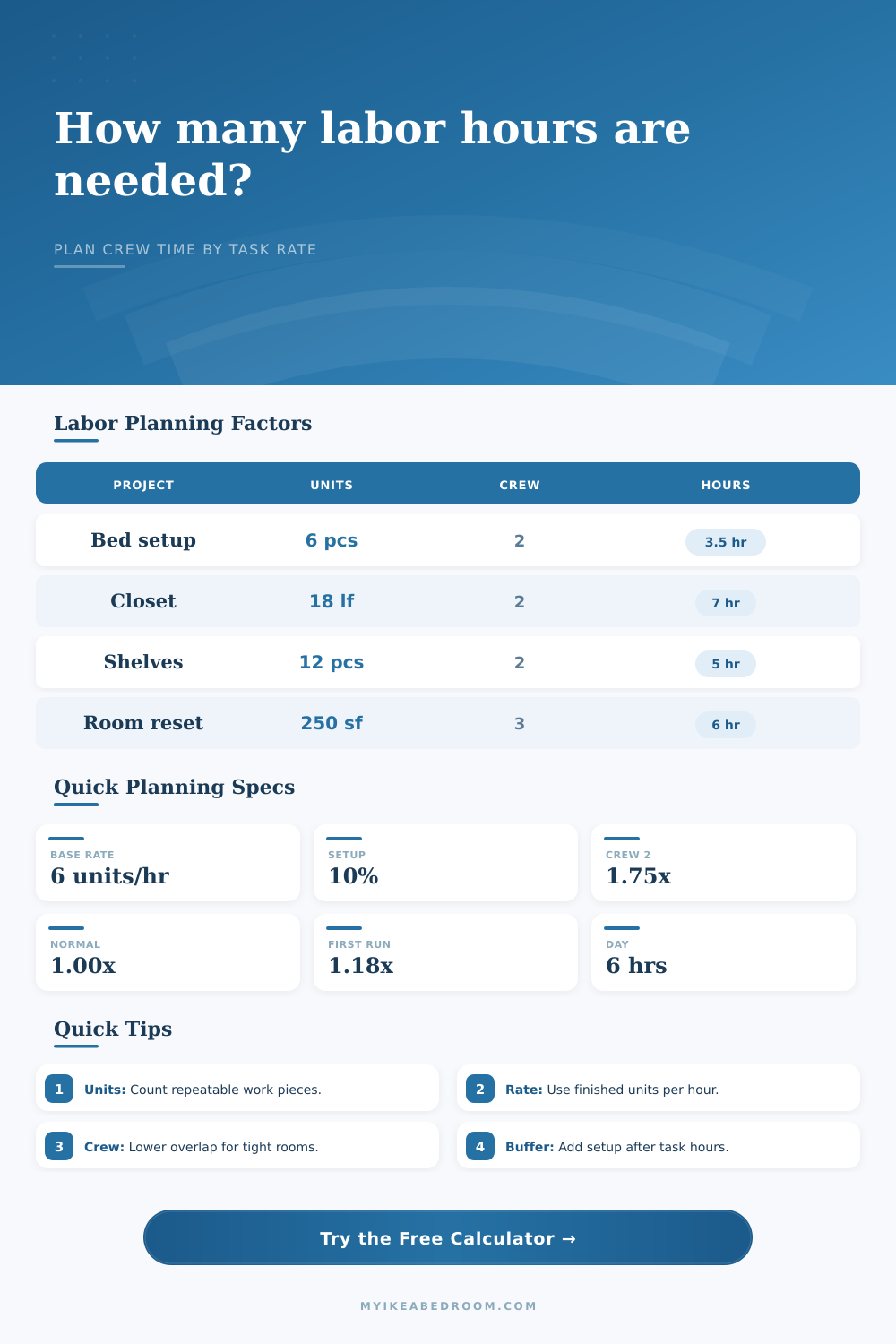
Estimate planning hours from task units, productivity rate, crew size, setup and cleanup percent, complexity factor, learning curve, and effective calendar hours.
📋Project presets
⏱Labor inputs
Labor breakdown
Planning note: this calculator estimates labor time only. Keep material lists, delivery timing, and access scheduling in a separate planning sheet.
📊Planning benchmarks
🔧Task unit and productivity examples
| Task unit type | Typical unit | Starting productivity rate | Use when |
|---|---|---|---|
| Furniture pieces | Pieces or modules | 2 to 6 pieces per person-hour | Flat-pack assembly, drawers, doors, legs, handles, or inserts |
| Linear layout work | Linear feet | 3 to 10 linear ft per person-hour | Closet rails, wall tracks, base runs, trim-like planning tasks |
| Area-based work | Square feet | 35 to 120 sq ft per person-hour | Room reset, protective covering, surface prep, sorting zones |
| Boxed inventory | Boxes or cartons | 4 to 12 boxes per person-hour | Unpack, inspect, sort hardware, stage parts, and move packaging |
| Fixture tasks | Fixtures or devices | 1 to 4 fixtures per person-hour | Lighting swaps, cable clips, brackets, anchors, and aligned mounting |
👥Crew efficiency reference
| Crew setting | Added-person yield | Effective crew with 3 people | Planning meaning |
|---|---|---|---|
| Tight room, shared tools | 55 percent | 2.10 effective people | Use when only one person can fit or parts must be handed off |
| Some overlap limits | 70 percent | 2.40 effective people | Use when one person stages while another assembles or checks |
| Normal task split | 82 percent | 2.64 effective people | Use for most room and furniture planning with clear assignments |
| Independent zones | 92 percent | 2.84 effective people | Use when people can work on separate units without waiting |
| Fully independent work | 100 percent | 3.00 effective people | Use when each person has separate tools, space, and instructions |
🧠Complexity and learning factors
| Factor group | Low setting | Normal setting | High setting |
|---|---|---|---|
| Complexity | 0.85x simple repeats with few choices | 1.00x mixed tasks with normal measuring | 1.60x high coordination, tight fit, or many dependencies |
| Learning curve | 0.90x experienced repeat work | 1.00x familiar process and known tools | 1.55x training while working or new tools |
| Setup and cleanup | 5 percent when tools and parts are ready | 10 percent for normal staging and cleanup | 30 percent for unpacking, sorting, and tight access |
| Review buffer | 0 percent for rough planning only | 10 percent for final checks and adjustments | 25 percent when site conditions are still unknown |
🏠Common project preset reference
| Preset | Task units | Rate and crew | Planning profile |
|---|---|---|---|
| Flat-pack bedroom | 18 pieces | 5 pieces/hr, 2 people | Normal task split with 10 percent setup and normal review |
| Wardrobe build | 24 modules | 3 modules/hr, 2 people | Detailed alignment and first-time instructions |
| Closet organizer | 18 linear ft | 4.5 linear ft/hr, 2 people | Moderate measuring with some overlap limits |
| Bookcase wall | 12 units | 2.8 units/hr, 3 people | High coordination because repeated units must align cleanly |
| Room reset | 250 sq ft | 55 sq ft/hr, 3 people | Area-based planning with sorting, placing, and final checks |
💡Planning tips
When I realized my flat-pack furnitures was going to arrive three days before our planned move-in, the specific brand of panic set in. How could it be possible to put together a bedroom in less than one night? If you were like me, you sat there looking at those boxes and made an educated guess… A guess based off how fast you thought you could screw in that damn dowel.
It’s what most folks gets wrong. What kills your schedule isn’t speed. It’s coordination.
Stop Guessing: Calculate Your Time with Ease
By plugging in your crew details and unit counts into the labor hours estimate calculator, you don’t have to guess at the conversions or coefficients. It turns your vague feeling of dread into a concrete block on your calendar… Something you can work with.
Any good estimate begin with agreeing on what a “unit” is going to be for your particular project. In other words, don’t toss boxes, square feet, and individual pieces into the same mental bucket. For example, if you’re creating a wardrobe, a “unit” could be a door panel; if you’re resetting a whole room, it’s probably a square foot of floor space. The reference table on the page spells all this out for different kind of tasks.
It forces you to define what your unit will be before you even start; which is essential. Otherwise your productivity rate doesn’t mean anything. Five units an hour sounds great…until you remember those were little tiny screws, not major cabinet frames. What you’re measuring really matters.
After that, you’ve got to remember human inefficiency. A second pair of hands don’t necessarily work twice as fast as a single pair of hands. In tight quarters like narrow hallways and closets, adding another set of arms can cause more trouble than help. To handle this dynamic, the tool requests an additional factor: parallel efficiency. This can be a small input, but it completely shifts the timeline. When two people are battling over the same stretch of wall space, or worse yet, the same screwdriver, their combined productivity gets cut by half.
That’s where the calculator distinguishes between calendar hours and raw person-hours. Person-hours describes the total amount of effort needed. Calendar hours describe the amount of clock time to expect. And they’re never quite the same thing.
Another friction point is the learning curve and complexity. Pure intuition doesn’t really account for that. No matter how good you are assembling something new, the first time will always be slower then the 10th. That’s why there is an input for learning curve and complexity. They tweaks the baseline rate to account for stumbling on your first try. Maybe you’re a veteran DIYer, but if you’re doing some kind of brand-new lighting installation in a cramped attic, you’ll slow down. Fessing up to that ahead of time avoids working late.
It also recognizes the invisible labor of cleanup and setup. There isn’t any estimate for sweeping up cardboard shreds or sorting through hardware bags, but that’s what everyone does every single time. Adding a buffer for this stagework makes sure your schedule can survive contact with the real world.
The amount of time you can work each day shows you what your schedule should of look like. And this is where the plan hits the wall. Now you know exactly what has to change if the calculator told you that you needed four days and all you had was two. Do you add a helper? Will you extend the length of time you’ll work each day? Do you realize the project will go into the weekend? It’s better to realize that tradeoff on Tuesday morning, rather than Sunday night.
Planning isn’t about predicting the future perfectly. It’s about knowing the constraints well enough to avoid them.
And then one day, after you’ve closed that last box and walked away, you’ll be thankful for having made a plan. With the timeline in place, the panic subsides, and you’ll have time to actualy enjoy the room you just built.