📺 Media Console Width for TV Calculator
Convert TV diagonal to real screen width, then size console overhang, base support, and wall clearance.
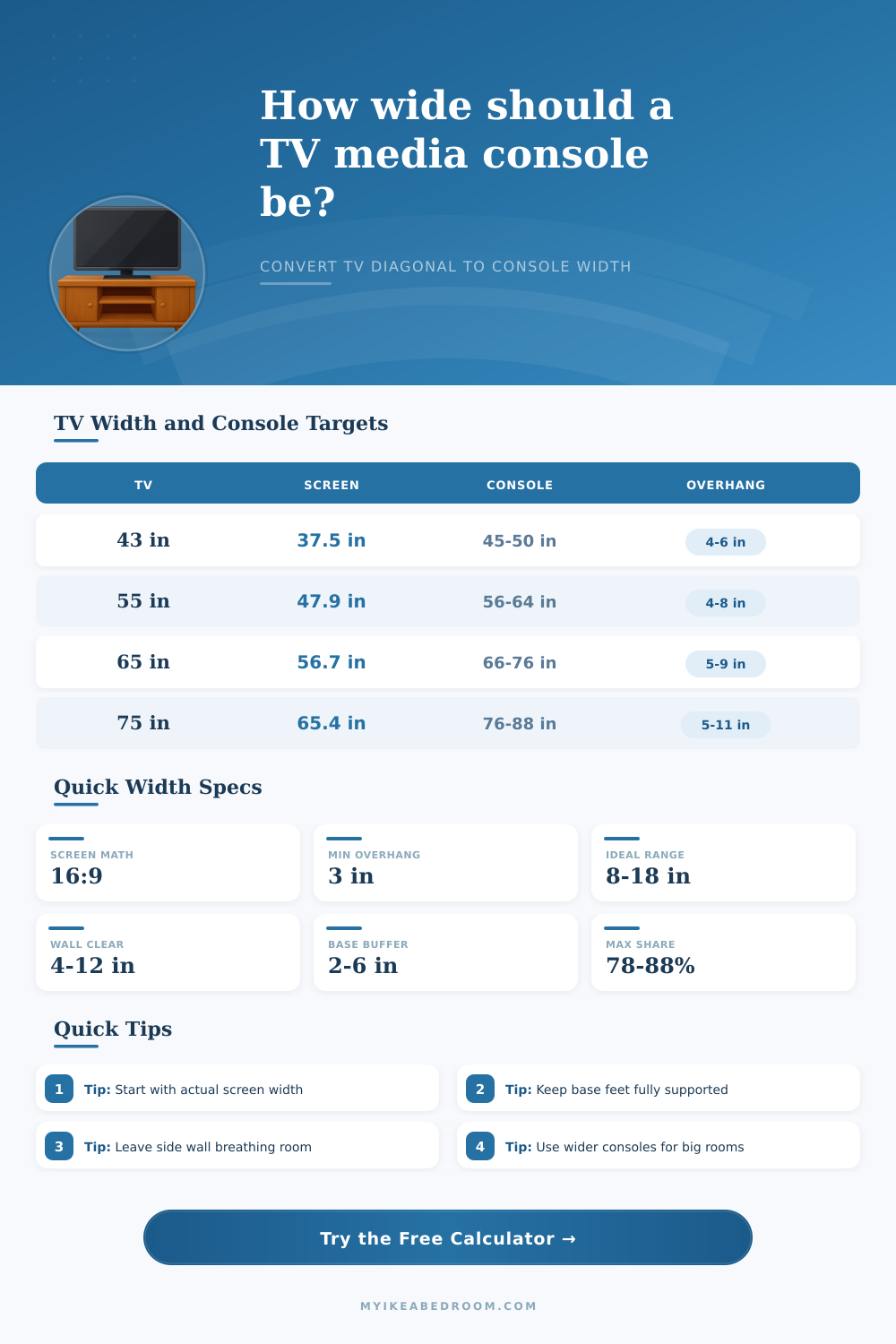
| TV diagonal | 16:9 screen width | Balanced console width | Visual read |
|---|---|---|---|
| 43 in | 37.5 in | 45-50 in | Compact bedroom |
| 50 in | 43.6 in | 52-58 in | Apartment wall |
| 55 in | 47.9 in | 56-64 in | Standard sofa |
| 65 in | 56.7 in | 66-76 in | Family room |
| 75 in | 65.4 in | 76-88 in | Media wall |
| 85 in | 74.1 in | 86-100 in | Large room |
| Layout | Minimum overhang | Ideal overhang | Best use |
|---|---|---|---|
| Compact niche | 3 in each side | 4-6 in each side | Narrow wall |
| Floating console | 3 in each side | 4-8 in each side | Light look |
| Low console | 4 in each side | 5-9 in each side | Most TVs |
| Storage console | 5 in each side | 7-12 in each side | Closed storage |
| Large media wall | 6 in each side | 10-16 in each side | Big room |
| Wall condition | Side clearance | Console share | Recommendation |
|---|---|---|---|
| Tight alcove | 3-5 in | 88-94% | Use simple edges |
| Balanced wall | 6-12 in | 72-86% | Best visual range |
| Open wall | 12-24 in | 55-72% | Can go wider |
| Long media wall | 24 in or more | Under 55% | Add side decor |
| TV support type | Base width rule | Console depth | Width priority |
|---|---|---|---|
| Center pedestal | Base plus 2 in | 14-18 in | Screen overhang |
| Wide feet | Feet plus 6 in | 16-20 in | Base support |
| Soundbar front | Bar plus 4 in | 16-22 in | Accessory zone |
| Wall mounted TV | Visual only | 12-18 in | Wall balance |
| Storage console | Door swing clear | 18-24 in | Room scale |
When choosing the width of a media console, there are a few diffrent measurements that you should consider. You should consider the width of the televisions that you plan to use, as well as the width of the wall on which that television will be placed. When choosing the width of the media console, you must ensure that it is wide enough to support the television, but also that there is enough space on the sides of the television for the media console.
If the media console is too small relative to the television, the television will appear cramped on the media console. If, however, the media console is too large in comparison to the television, the television will appear too smaller relative to the media console. In order to calculate the width of the media console that you should purchase, the media console calculator require that you enter four different measurements of your television and the wall on which it will be placed.
How to Choose the Right Width for Your Media Console
The diagonal measurement of the television is required because the diagonal measurement does not convey the width of the television. The base width of the television is required because that measurement will convey the amount of media consoles that must sit under the feet of the television. The desired overhang of the television is required because you will want the media console to extend some distance from the sides of the television.
Finally, you will enter the available space on the wall into the calculator to indicate the amount of empty spaces on the sides of the media console. Many individuals believes that the media console should be only slightly wider than the television. However, this isnt always the case.
A media console that may be slightly wider than a television in a small room may appear too small when placed in a large room. Thus, using the calculator to determine the appropriate width of a media console for your specific room is recommended. The overhang of a television is the distance between the edge of the television and the edge of the media console.
This must be set to an appropriate size in order to ensure that the television appears well on the media console. If the overhang is too small, the media console may not appear to match the television. If the overhang is too large, the television may appear to be floating within the media console.
The overhang of the television is also affected by the way in which the television is placed. For example, if you mount the television on the wall, an overhang may be smaller than if the television is resting on its feet on the media console. Side clearance is the amount of empty space within the wall that remains on the sides of the media console.
Sufficient space should be provided for this such that the media console does not appear to fill the entire wall, but there should be enough space that the media console does not appear to be disconnected from that wall. This measurement is represented within the calculator after you enter the width of the media console that you would like to purchase. In addition to the width of the media console, the depth and the height of the media console are also important measurements to consider.
Too shallow of a media console can make large televisions appear too top-heavy. Too low of a media console may lead to uncomforatble viewing angles of the television. Thus, you should consider each of these measurements to ensure that the media console fits the overall style of the room in which it is to be placed.
Finally, besides the television and media console itself, there are also some physical objects in the room that should be considered. Examples of such objects include the crown molding in the room, electrical outlets, baseboard heaters, door swings, as well as soundbars, gaming consoles, and cable boxes. While the calculator will provide an estimate of the width of the media console that you should purchase, you will need to use a tape measure to ensure that there is enough space for these objects in your room.
Your goal is to find a media console that is wide enough to support your television, but that leaves enough space on the sides of the media console to provide for the remainder of the rooms aesthetic.